C4 Docs

C4 Docs

  • Docs
  • API Dashboard
  • C4 Query Utility
  • C4 Home

›Import/Export

Getting Started

  • Getting Started
  • Import/Export

    • Importing Data
    • Exporting Data

    Adding Data

    • Add Collaborations
    • Add Keywords
    • Add organizations
    • Add Users
    • Editing Front End Parameters
Edit

How to Export Data

General Overview

To export data, select the Export button found in the upper right of any of the C4BACKEND entries:

Import Button
  • Collaborations
  • Keywords
  • Organizations
  • Users

To export data, select the output file type, and click export. export-screen

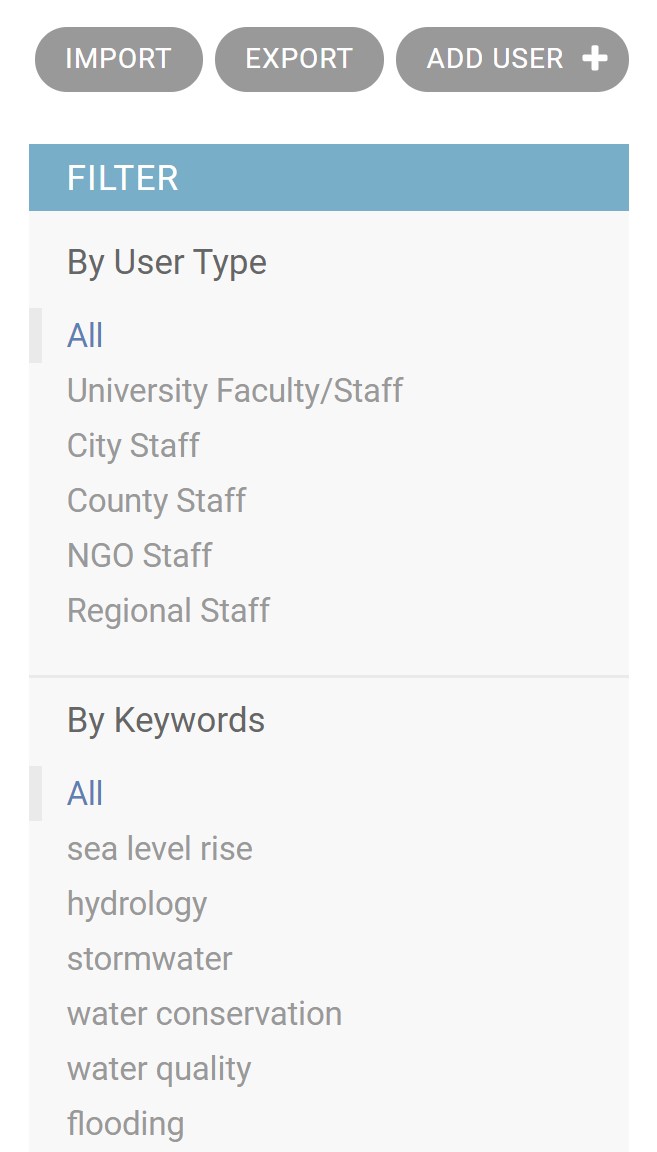
If you wish to export a filtered subset of data, you can use the filters on the main data screen. Shown below is an example of the filter options. After filtering, selecting the export button will automatically apply that filter to the exported data.
Import Button
Last updated on 2020-2-23
← Importing DataAdd Collaborations →
  • General Overview
Central Coast Climate Collaborative
Copyright © 2020 Central Coast Climate Collaborative